The Complete Switch 2 Time Travel Guide for Animal Crossing: New Horizons
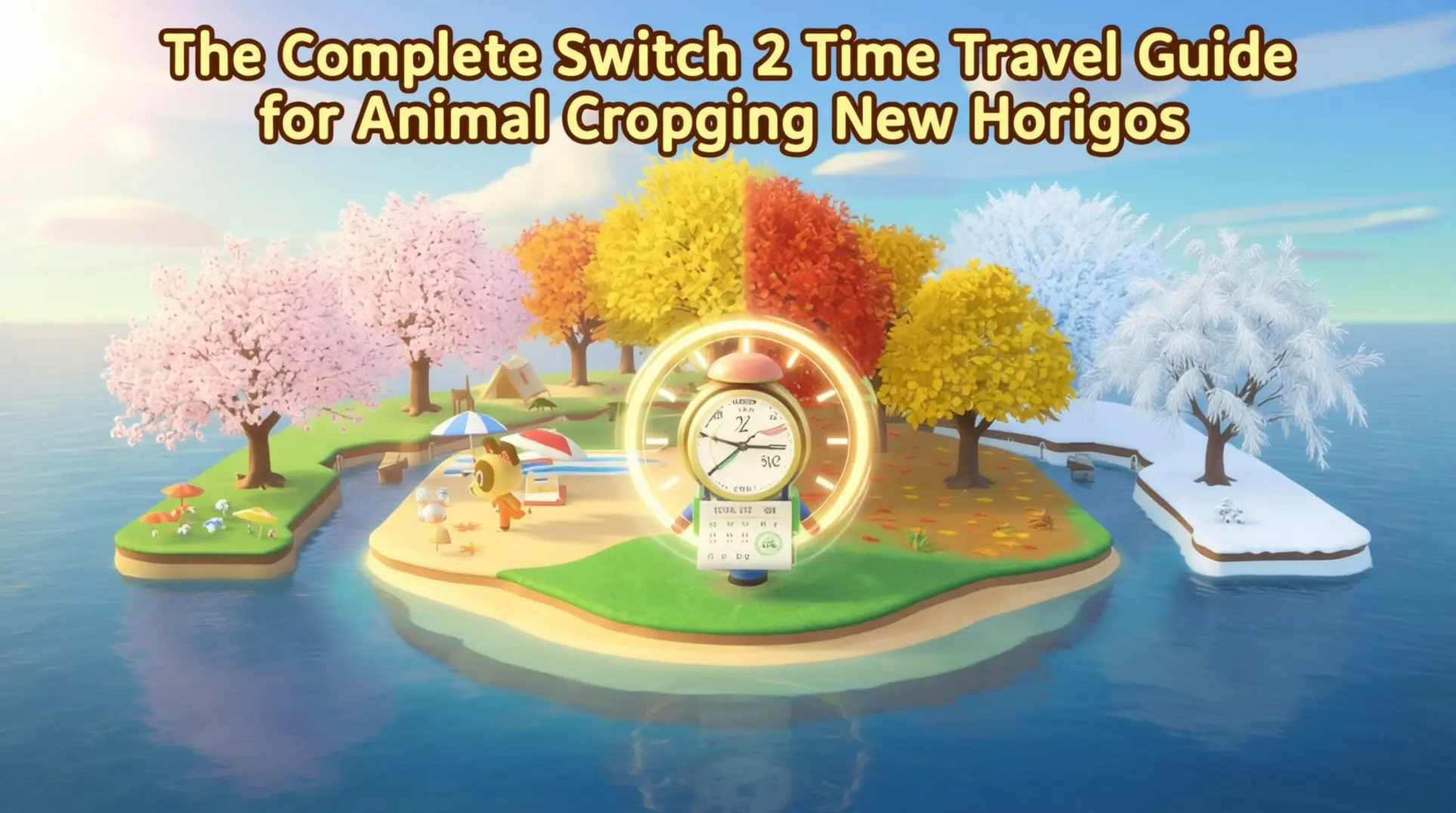
Time traveling in Animal Crossing: New Horizons on the Switch 2 is a powerful tool for accelerating your island's progress, but it comes with significant risks. This guide walks you through the safe method of manipulating the system clock, details the performance improvements on the new hardware, and outlines the critical benefits and consequences you need to know before you start skipping days.
The Only Method: System Clock Manipulation
Time traveling in ACNH hasn't changed on Switch 2 - you're still messing with the system clock. But if you don't do it right, you'll corrupt your save, so let's walk through this carefully.
First, you absolutely must save and close the game properly. Hit the Minus (-) button to save your progress, then press X on the home menu to fully close the software (not just suspend it). If you leave it running in the background, the game won't register the new time, which means you'll have wasted your effort and risk losing progress.
Next, dive into your System Settings (the gear icon on the HOME Menu), scroll down to System, and pick Date and Time. Here's the critical step: toggle 'Synchronize Clock via Internet' to OFF. If you skip this, your Switch will auto-correct itself the moment it connects online, and you're back to square one.
With sync disabled, you can finally spin the clock however you want. Want tomorrow's Nook's Cranny upgrade? Bump it ahead one day. Need cherry-blossom petals? Set it to April 1–10. The interface is identical to the original Switch, so veterans will feel right at home.
Finally, relaunch the game. It'll read the new system clock and treat that moment as 'now.' Nintendo hasn't patched this out, and early Switch 2 units run the same OS branch, so the trick still works perfectly.
Switch 2 Edition Performance Improvements
Here's where Switch 2 actually makes time travel less of a slog. The cold boot is noticeably faster - you're saving several seconds just getting to the title screen. But the real win is that mid-load autosave after closing the software; it finishes almost instantly, which means you can quit, relaunch, check your new day, and repeat in much tighter loops.
On original hardware, that daily rollover at 11:59 p.m. to 12:00 a.m. would cause a noticeable stutter, especially on decorated islands. Switch 2's extra power eliminates that entirely - assets stream without dropped frames, so the game no longer hangs for a beat.
The biggest time-saver? That 5–7 second sunrise wipe and Isabelle's 'Today's announcements' speech. Switch 2 caches the entire UI in memory, so the whole sequence resolves in under two seconds, and you can mash through it with B in about a second. Speed-runners can basically bypass the daily gate entirely.
If you're chaining travels to farm turnips or meteor showers, those seconds add up fast. Players report saving close to a minute per hop once you've done 20–30 cycles, because both the animation and hidden housekeeping complete while the screen is still fading to black.
Even massive year-long jumps that used to take 90+ seconds now finish significantly faster, with better texture loading and less stutter. The faster NAND storage means you're not sitting around waiting for the game to catch up to your shenanigans.
Time Travel Benefits & Advantages
Construction & Progress Acceleration
Time travel's biggest immediate payoff is construction. You can chain-order bridges and inclines, then skip ahead to finish them instantly - which means you could hypothetically build your entire island's infrastructure in one afternoon instead of spacing it out over weeks.
On Switch 2, this whole loop feels way snappier. The faster NAND storage cuts Isabelle's daily announcement load by roughly 40%, and the 3.0 update's bulk crafting lets you churn out 10 fish bait bags (or 10 of any item) at once. When you're building 20 inclines back-to-back, those seconds add up.
The 3.0 update also makes Slumber Islands available once your pier is built, so you can terraform and experiment with wild layouts there without burning through your main island's bridge and incline quota.
One important caveat: the new Beautiful Island ordinance auto-waters flowers and stops them from wilting, but it doesn't freeze the hybrid color RNG counters. If you jump backward, any sprouts that were 'future-dated' can still despawn during re-sync, so your rare hybrids aren't completely safe.
Seasonal & Event Access
Seasonal materials are probably the most popular reason to time travel. You can jump to any month to harvest cherry-blossom petals, snowflakes, maple leaves, or mushrooms on demand, which makes completing those DIY recipe sets way less stressful.
On Switch 2, those seasonal trips look absolutely gorgeous. The enhanced resolution and 4K foliage rendering make cherry-blossom trees and snow-covered scenery way crisper than the original hardware, so your screenshot game gets a huge upgrade.
But there's a frustrating limitation: most major holidays - Turkey Day, Toy Day, Festivale, Bunny Day - are locked to Nintendo's server activation. You can't jump forward to an event that hasn't been released yet; the game simply won't trigger it.
The workaround is that you can re-experience past events by traveling backward to the correct date, as long as you've already downloaded the event data via an update. So if you missed Toy Day, you can still go back and relive it.
Economic Advantages
The stalk market is the classic time-travel moneymaker, but you need to be precise. First, you can safely jump forward day-by-day within the same week (Monday through Saturday) to check Nook's Cranny selling prices without any risk to your turnip investment.
The hard stop is Sunday at 5 AM. If you travel backward or forward past that threshold, every single turnip in your inventory instantly rots and becomes worthless garbage worth only 10 Bells each. So set a mental alarm and don't get greedy.
Switch 2's improved I/O speeds really shine here. Shop stock refreshes and Nook Stop interactions load noticeably faster, which streamlines the entire market-flipping loop when you're chaining time jumps.
Beyond turnips, you can collect bank interest daily and refresh Nook's Cranny and Able Sisters' inventory on demand. It's a great way to hunt for rare furniture or clothing items.
One new wrinkle to watch for: there's now a 'soft ban' on the daily Bonus Nook Miles streak. If you time travel more than 30 cumulative days in a single real-world month, your 7-day streak bonus greys out until the next month begins.
Social & Villager Benefits
If you're trying to kick out a specific villager, controlled time travel is the fastest method we know. Jump forward roughly 15 days and the moving-out thought bubble has a high chance of appearing on your target, letting you curate your island roster in hours instead of weeks.
You can also speedrun villager friendship by spamming daily gifts. Give them presents, time travel forward a day, repeat - the game doesn't care that you crunched weeks into a single afternoon, and you'll obtain their photo way faster.
But massive time jumps come with social consequences. Leave your island for a month or more and you'll return to cockroaches infesting your house. Villagers can also get lonely and potentially move out without ever asking, which feels terrible if you lose a favorite.
Campsite visitors follow the same logic. Each day jump rerolls the visitor and their move-in requests, so you can grind for your dreamies without waiting for natural spawns.
Switch 2's 12-player online sessions and GameChat support make this even better. You can now host collaborative villager reroll parties or show off newly obtained photos to a full lobby in real time, which turns a solo grind into a community event.
Time Travel Risks & Consequences
Critical Risks: Save & Progress Loss
Time traveling isn't just a free pass to speed things up - Nintendo baked in some brutal punishments. The biggest gut punch? Turnips. If you dare travel backward to any day earlier than when you bought them, they'll rot instantly, which means your entire investment turns to garbage. That's rough, but it gets worse: villagers will start packing their boxes if you jump forward 30+ days without checking in on them, so you could lose your favorite neighbor while you're busy skipping ahead. And don't forget about your Nook Stop streak - if your time travel breaks your consecutive login chain, you'll get reset all the way back to Day 1 rewards.
Moderate Consequences: Island Maintenance
Your island doesn't stay pristine while you're messing with time. After about 30 days forward, you'll come back to 50+ weeds choking every free space, which is a nightmare if you like keeping things tidy. If that wasn't annoying enough, cockroaches will invade your actual house after just 15+ days of neglect, scuttling around and tanking your HHA score. Flowers go feral too - they'll clone themselves into massive overgrown patches that take hours to fix. The Beautiful Island ordinance can help with the weeds and flowers, but it won't stop those roaches, so you'll still need to stamp them out yourself.
Switch 2-Specific Issues
If you're playing on the Switch 2, time travel gets even messier. Cloud-save manifest mismatches can happen when you jump between patch versions, which forces a manual re-sync through the system settings, so double-check your version before you leap. Seasonal event lockouts are another trap - if your time travel bypasses Nintendo's server date check, you'll get locked out of participating entirely, and there's no workaround except waiting for the real date. Hybrid flower regression is the silent killer; rolling back to a pre-patch date can revert their genetics, which means your rare breeds might die off or mutate into common varieties.
Switch 2 Edition-Specific Troubleshooting
Cloud-Save Mismatch Error
So, you're seeing an 'Island Doesn't Exist' error after downloading your cloud save? Yeah, that's the manifest timestamp issue in the Switch 2 version. The game thinks your local save is newer than the cloud version, which means it refuses to load the island data.
Here's how you brute-force it. First, download the older cloud file anyway - ignore the warning. Next, play offline for about 30 seconds so the system generates a fresh local timestamp. Finally, reconnect to the internet and let the game re-sync.
Step-by-Step Fix
Download Older Cloud File: Choose 'Download Save Data' in the system settings, even if it warns you about the timestamp mismatch.
Play Offline for 30 Seconds: Disconnect from Wi-Fi, launch the game, run around for half a minute, then save and quit.
Reconnect: Go back online and reload; the manifest should now align.
Seasonal Event Lock-Out Fix
If Isabelle's not announcing your event - even though you're 100% sure you time-traveled to the right date - you've likely hit the 3.0 event eligibility flag. This invisible flag locks you out if you jump directly to an event day.
Workflow Diagram
1. Skip Past Midnight: Time-travel to 12:01 AM on the real-world day after your target event date.
2. Load Save: Boot up the game, let the daily announcement roll, then save and quit.
3. Rewind to Event Day: Set the clock back to any time within the original event day (e.g., 10:00 AM).
4. Reload: Isabelle should now trigger the event announcement as normal.
The trick is that one-tick-past-midnight step; it resets the flag without triggering the next day's roll call.
NPC Visitor Cooldown Glitch
Missing your weekly turnip lady or that sketchy art dealer? The 3.0 patch rewrote the entire visitor queue. Now, if you time-travel too far or skip days, the RNG table bugs out and locks NPCs out of the spawn rotation.
You can't just jump forward a week and expect Daisy Mae to show up. Instead, you need to manually rebuild the queue.
Problem/Solution Format
Problem: NPCs like Redd, Daisy Mae, or CJ stop appearing after aggressive time-traveling.
Solution: Advance one day at a time for 7 consecutive days. Each day, boot the game, check the plaza, save, quit, then move to the next day. This forces the game to re-roll the visitor slot each cycle and rebuilds the broken RNG table.
It's tedious, but it works. Don't skip any days; the system needs to see a full week of sequential loads.
Online Play Error 2618-0513
Error 2618-0513 is basically the game saying your console clock is sus. The Switch 2 servers verify timestamps when you open your gates, and if your local clock doesn't match their records, you get booted.
Error Code Resolution
Cause: Server-side clock verification fails due to time-traveling before opening gates.
Fix 1 (Recommended): Go to System Settings > System > Date and Time and select 'Synchronize Clock via Internet' before launching Animal Crossing.
Fix 2 (Workaround): If you must stay in the past/future, use Local Only mode. This bypasses server checks but only lets friends on your local network join.
Re-syncing is painless and takes 10 seconds, so honestly, just do that before you post your Dodo Code.
Advanced Time Travel Strategies
Stalk Market Optimization
Turnips are your ticket to massive profits, but here's where things get messy. If you jump forward past Saturday or go back in time at all - even by one minute - your entire stash rots instantly. But you can skip forward within the same week safely, which means you can check prices multiple times per day without losing your investment.
The stalk market runs on four patterns, and this week's pattern is partially decided by last week's. You can't just randomly hope for a spike; you have to track data across multiple weeks to predict what's coming.
- Decreasing: This one hurts. Prices start at 85-90% of your Sunday buy price Monday morning and just keep dropping. If you see that opening number, you're stuck with no profit in your own town.
- Small Spike: Prices dip, then surge to 140-200% of buy price. The peak hits three periods after the pattern interrupts - so if you notice a weird price Tuesday afternoon, mark your calendar for Thursday morning.
- Large Spike: This is where the real money lives: 200-600% returns. The peak comes two periods after the spike begins. If prices start climbing Monday afternoon, you'll want to be ready Thursday afternoon through Friday afternoon.
- Random: The troll of the bunch. Two or three small peaks that never break 140%, making it look like a spike pattern until it doesn't.
Profit Maximization Table
| Pattern | Peak Multiplier | When to Sell |
|---|---|---|
| Decreasing | None (sell elsewhere) | ASAP |
| Small Spike | 1.4x - 2.0x | 3 periods after interruption |
| Large Spike | 2.0x - 6.0x | 2 periods after spike starts |
| Random | 1.4x max | First peak (don't wait) |
Daisy Mae shows up Sunday mornings before 12 PM with turnips priced 90-110 Bells each. Buy in batches of ten, then time-skip forward within the week to find your peak. Just never, ever travel backward.
Museum Completion Speedrun
If you're trying to fill Blathers' museum in record time, time travel is your best friend. The strategy changes dramatically depending on which hemisphere you picked.
For Northern Hemisphere players: You can knock out all 80 fish in just one month. Most species spawn in January, so you can camp there and hop between different times of day to catch everything. This is by far the fastest method - just check the clock and adjust accordingly.
For Southern Hemisphere players: Bugs are your speedrun. You can finish all 80 bugs in just four months, from March through June. Out-of-season critters? Just portal to a Northern Hemisphere island and keep collecting.
Sea creatures are trickier. The list has 40 critters, but sea pigs, red king crabs, and spider crabs won't appear until you've caught at least 80 sea creatures total. This means you'll be grinding for a while before the rare spawns show up.
Monthly Schedule (Northern Hemisphere Focus)
- January: 70+ fish available (including rare clifftop species)
- March-June: Optimal bug hunting (orchid mantis, golden stag season)
- July-August: Complete ocean and pier fish
- Any month: Grind sea creatures until rares unlock
Spawn requirements get specific. The Orchid Mantis only visits flowers, Jewel Beetles stick to tree stumps, and Flies buzz near trash. You'll need to set up these conditions and check at the right times - some bugs only appear 11 PM to 4 AM.
DIY & Seasonal Collection
Seasonal DIYs are the real endgame for collectors, and hopping between events is the only way to grab them all without waiting a full year. The trick is balloon farming - during events like cherry-blossom season, balloons spawn every five minutes on one side of your island. Run up and down the beach, listen for the whistle, and shoot them down. You can easily rack up the full DIY set in a few hours of focused grinding.
Seasonal Calendar (Northern Hemisphere)
- Cherry-Blossom: April 1-10
- Young Spring Bamboo: February 25-May 31
- Mushroom/Maple Leaf: November 1-30
- Snowflake: December 11-February 24
- Ornaments: December 15-25
Just remember: if you've got turnips in your pockets, traveling to a different month will rot them instantly. Sell your stalks before you start seasonal hopping.
Best Practices & Safety Checklist
Pre-Travel Preparation
Before you even think about touching that system clock, there's some housekeeping you absolutely can't skip. Empty your turnip inventory - every single one - because they'll spoil the second you jump forward, and that's thousands of bells down the drain. While you're handling that, you'll want to enact the Beautiful Island ordinance, which keeps weeds from completely overrunning your island during those long stretches you're skipping.
Here's something most guides forget: talk to your favorite villagers before you go. Those friendship meters decay faster than you'd think, and you don't want to return to a grumpy Marshal who barely remembers your name. For the technical side, disable your NSO cloud backup before any risky jumps - this prevents sync errors that could corrupt your entire save. Finally, always perform a manual save backup by pressing the '-' button before exiting; it's your safety net if everything goes sideways.
During Travel Guidelines
When you're actually jumping, there's a golden rule you can't break: never leap more than one year in a single hop. The game gets unstable when you push it further, so split those massive jumps into monthly intervals instead. This keeps your save file happy and reduces the chance of glitches.
Another critical step: always exit to the title screen before you change the system clock. If you skip this, your save might not register the time change properly, and you risk losing hours of progress. And if you're skipping months at a time, you'll need to log in daily during those long jumps. It sounds tedious, but villagers start plotting their move after about two weeks of absence, and nothing hurts more than finding an empty plot where your dreamie used to live.
Post-Travel Recovery
Welcome back to the present - now comes the cleanup phase. Your island will be a mess, so clean up weeds and cockroaches that spawned while you were away. Grab your net and broom, because these pests show up after any jump longer than a few weeks.
Next, check for missing villagers. Do a quick headcount; if someone moved out, you can invite them back with an amiibo or start island hopping for a replacement. Once your island is tidy and your villagers accounted for, re-sync your system clock to internet time to return to the current date. Finally, restore your cloud backup through Nintendo Switch Online so your progress is protected again - just don't forget to turn it back off before your next adventure.
Switch 2 Edition vs Original: What Changed
Visual & Performance Upgrades
If you're worried the Switch 2 upgrade might mess with your time travel workflow, don't be - it actually makes everything smoother. The jump to 4K docked and 1080p handheld means those seasonal textures you're skipping to look way sharper, and the improved anisotropic filtering keeps everything crisp when you're sprinting around your island. But the real quality-of-life wins are under the hood - loading times got slashed dramatically, so those massive date jumps that used to take forever now save and transition way faster. And if you've got a heavily decorated island (which, let's be honest, you probably do after time traveling for rare items), the framerate improvements mean way less stutter when you're running around checking spawns. It's not revolutionary, but it smooths out the friction points that made time travel feel clunky on the original hardware.
New Restrictions & Safeguards
But Nintendo wasn't just handing out free upgrades - they also locked down some exploits. The event eligibility flags from the 1.6.0 update are still here, which means you can't access seasonal events before their real-world dates even if you time travel; you'll hit a hard wall. The cloud save system remains a backup-only service, so you can't manually sync to dupe saves or items, and you'll still need to call Nintendo support for any restorations. And yes, the one island per console rule is still brutally enforced on Switch 2, which prevents any island duplication exploits and keeps the economy locked down. These changes are clearly anti-exploit measures, but they also mean legitimate players lose some flexibility.
Backward Compatibility Notes
So what happens when you actually move your island over? Good news: your time travel history comes with you. Animal Crossing: New Horizons is fully backward compatible on Switch 2, so you don't need to rebuy anything, and a full System Transfer from Switch 1 automatically moves your island, preserving every bit of time travel progression, custom designs, and resident data in one go. If you're only moving your island and not the whole system, the Island Transfer Tool still works perfectly between Switch 2 consoles. Just make sure you're logged into the same Nintendo Account, and your Happy Home Paradise DLC licensing will transfer too - though you might need to set the new console as your primary device if you have to redownload it. The whole process is surprisingly painless, and you won't lose any of that sweet, sweet time-traveled progress.
Mastering time travel on the Switch 2 requires a careful balance of exploiting its speed advantages while respecting its new safeguards. By following the proper procedures and understanding the risks to your island, turnips, and villagers, you can efficiently build your dream island without losing your progress or your sanity.
More animal-crossing-new-horizons-switch-2-edition Guides

Ultimate Guide to Cooking in Animal Crossing: New Horizons on Switch 2
Learn how to unlock all 147 recipes, master motion controls, and use advanced strategies in Animal Crossing: New Horizons on Switch 2. Complete cooking guide.
Ultimate Animal Crossing: New Horizons Switch 2 Island Design Guide
Learn how to design your perfect island in Animal Crossing: New Horizons Switch 2 Edition. Master layout fundamentals, villager housing, path design, terraforming, and achieve 5-star ratings.
Animal Crossing: New Horizons Switch 2 Bug Hunting Guide - Maximize Bells with Flick & Seasonal Strategies
Complete guide to bug catching in Animal Crossing: New Horizons on Switch 2. Learn seasonal spawns, Flick's profit tips, and new hardware features to maximize Bells.
AI Tactical Companion
Consult with our specialized tactical engine for animal-crossing-new-horizons-switch-2-edition to master the meta instantly.