Master Baldur's Gate 3 Controls: Console Commands, Photo Mode & Essential Shortcuts
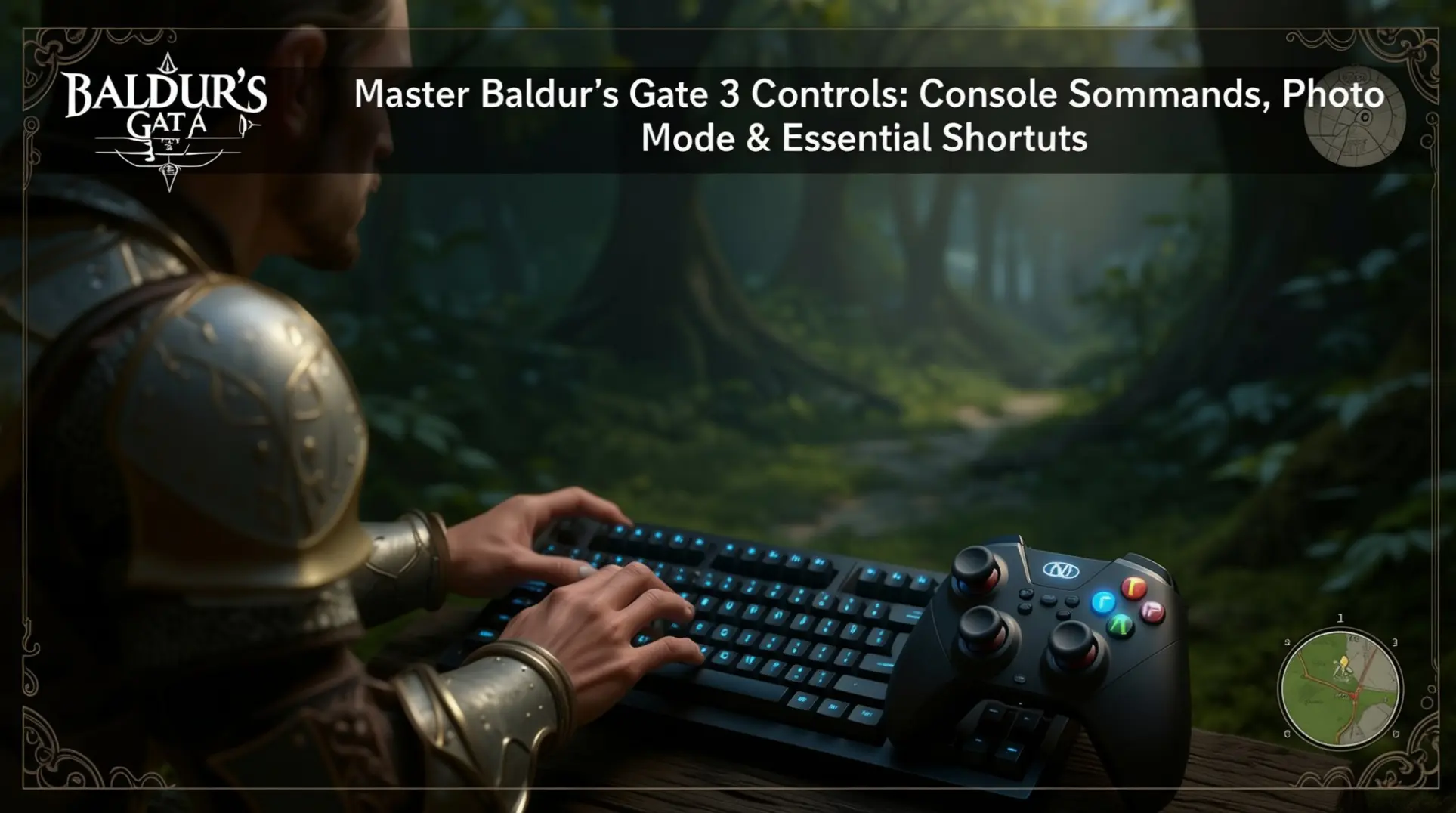
Essential Keyboard Controls for PC Players
Mastering Baldur's Gate 3's keyboard controls is crucial for navigating its complex world. Unlike many modern RPGs, BG3 sticks to classic CRPG mechanics where WASD controls the camera, not your character.
Core Camera and Movement
Press W, A, S, D to pan the view, while Q/E rotate it. Your primary character movement comes from the Left Mouse Button—click to move or hold it for continuous movement in the zoomed-in over-the-shoulder view. If you prefer traditional WASD character movement, you'll need to install a mod from Nexus Mods.
Essential Survival Shortcuts
The most vital keys for survival are F5 (Quick Save) and F8 (Quick Load). These function keys are indispensable given the game's consequential decisions and unexpected outcomes, allowing you to create instant save points without navigating menus. For party management, F1-F4 select individual companions, while Left Shift reveals sneak cones for stealth approaches.
Navigation and Menu Access
Essential navigation shortcuts include TAB to highlight characters, Spacebar to end turns in combat or jump during exploration, and Left Alt to show interactive objects. Quick access to key menus is handled by I (inventory), M (map), and J (journal). This control scheme, while different from action RPGs, efficiently bridges Baldur's Gate 3's traditional CRPG roots with modern gameplay conveniences, as detailed in guides from Deltia's Gaming and the Baldur's Gate 3 Wiki.
Unlocking Console Commands and Cheats
Unlike previous entries in the series, Baldur's Gate 3 does not feature built-in console commands or a developer mode in its vanilla release. To access these powerful tools, players must turn to the community.
The Script Extender Tool
The primary solution is Norbyte's BG3 Script Extender, a third-party tool that unlocks debugging and modding capabilities for the game.
Installation and Configuration
Enabling the debug console requires a few technical steps. First, you must install the BG3 Script Extender, typically by downloading it from GitHub or using the BG3 Mod Manager.
After placing the files in your game's bin folder, you'll need to create a configuration file named ScriptExtenderSettings.json. Inside this file, you must add the specific code: { "CreateConsole": true }.
A detailed walkthrough of this process is available on Nexus Mods.
Using the Console
Once active, the console provides advanced features like debug monitoring and various logging options. However, it's crucial to understand this is an unofficial tool, not supported by Larian Studios. Use it at your own risk, as it may impact game stability. For a list of available commands and unique identifiers (UUIDs), players can consult community-maintained spreadsheets, though documentation remains a work in progress.
Mastering Photo Mode Controls
Baldur's Gate 3's comprehensive photo mode, introduced in Patch 8 (April 2025), offers extensive camera control capabilities across all platforms.
Accessing Photo Mode
Accessing this powerful feature is straightforward: on PC, press F9 or click the camera icon in the UI, while controller users on PS5/Xbox can simply click both analog sticks simultaneously Polygon.
Keyboard and Controller Controls
For keyboard users, the controls are intuitive: W A S D moves the camera, Q E rotates it left and right, and Z X raises or lowers the camera vertically without tilting. Controller players can use the Left Stick for movement and the Right Stick for rotation and panning. Both input methods offer dedicated buttons for hiding the HUD (P on keyboard, L2/LT on controller) and capturing the perfect shot (Space or Share/Create) GamesRadar+.
Customization Options
The photo mode includes six comprehensive customization menus covering:
- Camera Settings
- Lens Settings (with field of view and depth of field controls)
- Character Settings (including dynamic posing)
- Post-Processing Effects
- Decorative Frames
This system enables professional-level screenshot creation with character removal options, millimeter-precise positioning, and visual effects comparable to professional photography software Baldur's Gate 3 Official News. Best of all, the experience remains consistent across PC, PS5, and Xbox Series X/S, with controls adapted appropriately for each platform Game Rant.
Multiplayer Communication and Controls
Despite its rich cooperative gameplay, Baldur's Gate 3 includes built-in voice chat for PC-to-PC lobbies, though cross-platform (PC ↔ PS5) is unreliable and many players still use external solutions.
In-Game Communication Limitations
The game does not include any built-in text chat at all. This omission has been a consistent point of frustration within the community, with players describing it as a "weird exclusion" for a game centered on cooperative storytelling, as discussed in Reddit community threads.
Recommended Third-Party Solutions
For effective coordination, most players turn to third-party solutions.
- Discord stands as the primary recommendation, offering superior performance and game recognition compared to its web version.
- Steam users can utilize the Steam Overlay Chat for text-based communication.
- Alternatives like TeamSpeak or Mumble provide additional VoIP options.
The community has established best practices, including pre-game coordination and setting up dedicated Discord channels, as noted in Larian Studios' official forums. Unfortunately, Patch 7 did not address these communication gaps, instead focusing on new endings and modding support while introducing some multiplayer connection issues that further complicate coordination.
Optimizing Your Control Experience
Baldur's Gate 3 presents challenges for players seeking customized controls, particularly with its limited native controller rebinding options.
Native Control Limitations
The game lacks dedicated options for remapping controller inputs, forcing players to use specific buttons for jump and examine functions when they might prefer alternatives like "start turn based mode" or "hide." Fortunately, the modding community has developed several effective solutions to enhance your control experience.
Popular Community Mods
For controller users, popular mods address specific pain points, including a highly-supported Jump/Fly Keybind Fix that earned 126 upvotes on the BG3 subreddit. Many players also seek hybrid input solutions that maintain controller functionality while re-enabling keyboard inputs, as the default "Controller only" setting completely disables keyboard use. Recent community requests even include an Active Search feature that would let controller users hold down X/A buttons to expand a search circle from their character.
The modding community continues to actively develop solutions for control limitations throughout 2024, with particular focus on controller optimization and hybrid input solutions. New players are encouraged to experiment with keybinding changes and utilize suggested mods to find their preferred control scheme for an optimized gameplay experience.
Conclusion: Mastering BG3's Control Ecosystem
Mastering Baldur's Gate 3's control system requires understanding both its traditional CRPG foundations and modern enhancements. From essential shortcuts like F5 quick save to the powerful photo mode introduced in Patch 8, each control element serves a specific purpose in your adventure.
While the game lacks native console commands and text chat, community solutions fill these gaps effectively. By combining official controls with carefully selected mods and external communication tools, you'll create an optimized experience that enhances both solo and multiplayer gameplay. Remember that control mastery comes through practice—experiment with different setups until you find what works best for your playstyle.
More Baldurs-Gate-3 Guides
Baldur's Gate 3 Act 1: The Complete Guide to Quests, Companions, and Loot
Master Baldur's Gate 3 Act 1 with our exhaustive guide. Covering essential quests, companion arcs, hidden treasures, and optimal progression to avoid missed content.
Baldur's Gate 3 Evil Playthrough: Ultimate Guide to Endings & Strategy
Master Baldur's Gate 3's evil playthrough with our comprehensive guide covering endings, quest order, party composition, and difficulty strategies.
Ultimate BG3 Character Creation Guide: Build Your Perfect Hero
Master Baldur's Gate 3 character creation with our comprehensive guide covering race-class synergies, visual customization, essential tools, and beginner mistakes to avoid.
AI Tactical Companion
Consult with our specialized tactical engine for Baldurs-Gate-3 to master the meta instantly.