BG3 Multiplayer & Co-op Complete Guide
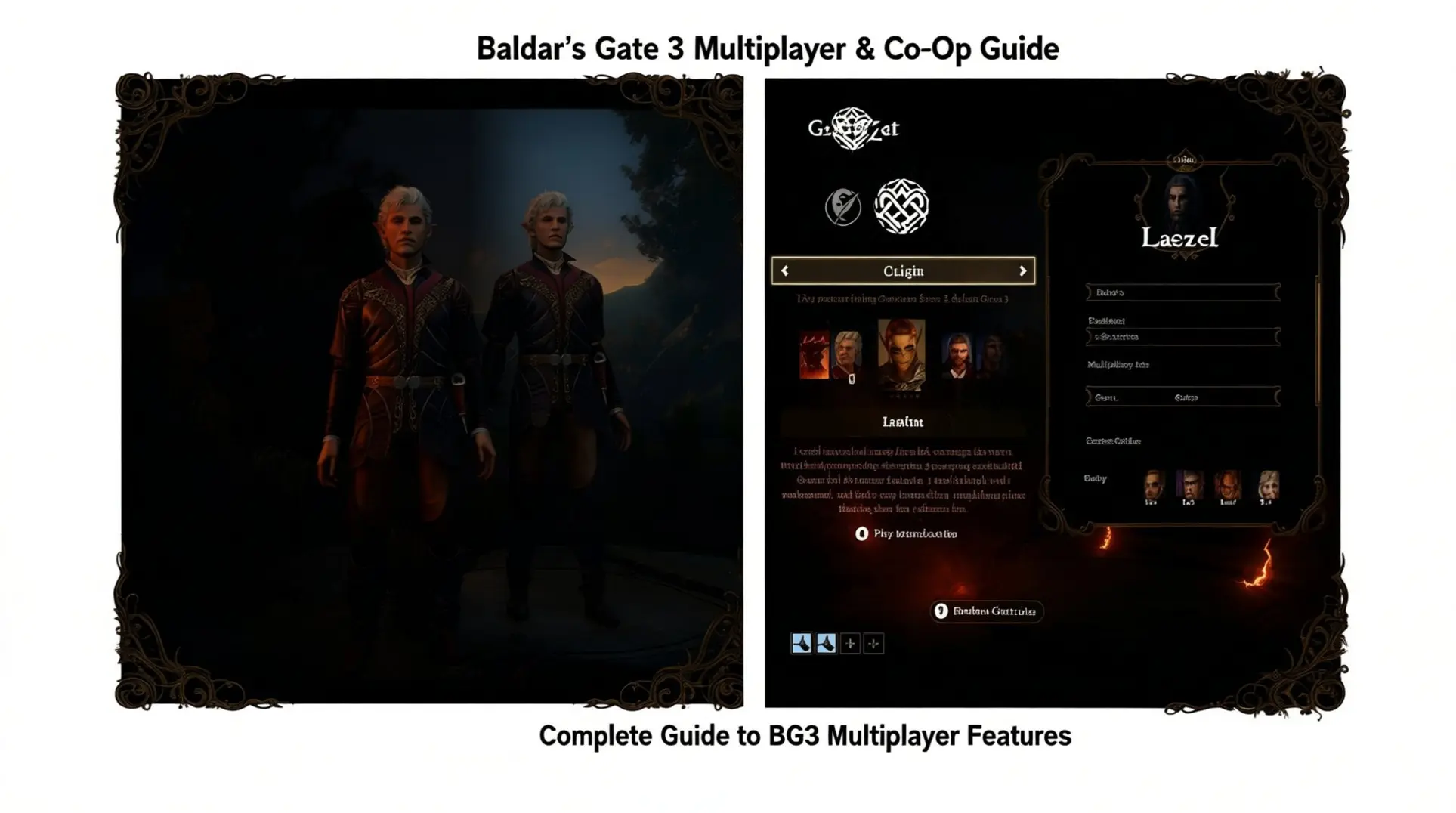
Baldur's Gate 3 offers an incredible multiplayer experience that transforms the epic RPG into a shared adventure with friends. Whether you're looking for couch co-op fun or a full party of four players, BG3 provides comprehensive multiplayer options. From cross-platform compatibility to split-screen functionality, this guide covers everything you need to know about Baldur's Gate 3's multiplayer features.
Cross-Platform Play Options
Key Update: Cross-platform play was officially implemented in Patch 8 (April 2025), enabling seamless multiplayer across all major platforms.
Baldur's Gate 3 officially supports full cross-platform play functionality across all major gaming platforms, including Windows PC, Mac, PlayStation 5, and Xbox Series X/S. This highly anticipated feature was implemented following its announcement in the game's development roadmap.
The cross-play implementation enables seamless multiplayer sessions between different platforms, allowing PC players to team up with friends on PlayStation 5 or Xbox, and vice versa. Players can create cross-play lobbies and send direct invitations across platforms without requiring any additional purchases or subscriptions beyond standard game ownership.
According to Polygon's guide, the system is integrated directly into the game's multiplayer interface, making it easy to find and join available games across different platforms without complex setup procedures. The official Baldur's Gate 3 news confirms that this feature was designed to remove platform barriers and enhance cooperative gameplay accessibility.
Patch 8 Implementation Details
• Release Date: April 2025 • Platform Support: Windows PC, Mac, PS5, Xbox Series X/S • Setup: Automatic integration into multiplayer interface • Cost: No additional purchases required • Functionality: Cross-platform lobby creation and invitations
This comprehensive cross-play support makes BG3 one of the more inclusive multiplayer experiences in modern gaming, ensuring that your choice of platform doesn't limit your ability to explore the Forgotten Realms with friends.
Split-Screen Local Co-op
Platform Availability
Baldur's Gate 3 supports split-screen local co-op across multiple platforms, though with some important differences. On consoles, split-screen couch co-op is exclusive to PlayStation 5 and Xbox Series X, with the Xbox Series S not supporting this feature according to Game Rant and Dexerto.
PC players also have access to split-screen functionality as a day-one feature that has been improved with patches, including Patch 7 which added dynamic split-screen capabilities.
Setup Instructions
Setting up split-screen co-op varies by platform.
- PC players must use two controllers - the game doesn't support mixed input with one player using mouse/keyboard and the other using a controller.
- The setup is mostly automatic: simply launch the game with two controllers connected, press any button on the second controller, and choose whether to create a new character or control an existing party member.
- PS5 setup is less intuitive, requiring players to navigate through the game's menu system from the character creation screen to initiate multiplayer.
Despite some setup challenges, players are successfully enjoying split-screen co-op on all supported platforms, with couples and friends sharing the local multiplayer experience. The screen splits horizontally, giving each player their own view of the action.
Quick Setup Summary:
- PC: Connect two controllers, launch game, press any button on second controller
- PS5: Navigate through character creation menu to initiate multiplayer
- Xbox Series X: Automatic split-screen support
- Xbox Series S: Split-screen not supported
2-4 Player Configurations
2-Player Setup
Baldur's Gate 3 offers flexible multiplayer options, with both 2-player and 4-player configurations being fully supported and viable. In a 2-player setup, each person controls their own group within the party while still recruiting companions to fill remaining slots, making it a popular choice for couples or smaller gaming groups according to community discussions.
4-Player Setup
The 4-player configuration represents the standard "full" multiplayer experience, with each player controlling one character to create an entirely human party. However, this maximum official player limit comes with significant trade-offs. The game enforces a hard-coded maximum of 4 characters per party, and full 4-player parties block companion quests and NPC interactions.
Players report that "half of the people we have met" become inaccessible with full player parties, creating substantial story limitations.
Modding Alternatives
For those seeking alternatives, the Party Limit Begone mod increases party size from the default 4 members up to 16 total characters, eliminating the need to choose between camp companions. This popular modification is available only for PC players, as console users remain limited to the official 4-member cap.
The choice between configurations ultimately depends on group priorities: 2-player allows more companion interaction and story content, while 4-player provides complete cooperative play at the cost of companion narratives.
Multiplayer Setup Guide
Creating a Session
Setting up a multiplayer session in Baldur's Gate 3 is straightforward, but connection issues can sometimes arise. To get started, follow these steps:
- Navigate to the main menu and select "Multiplayer."
- Choose between "Online" or "LAN" tabs based on your preference.
- For online play, click "Create" in the bottom left corner.
- Ensure LAN connections are enabled in the Lobby Settings on the right side of the interface.
- The game supports up to 4 players in any online session.
Troubleshooting Connection Issues
If you encounter the frustrating "Can't join this game right now" error, a common workaround involves starting a new multiplayer game, inviting friends, then loading your latest savegame. This issue has been widely discussed in the Larian Studios Forums, with players finding this method effective.
For persistent connection problems, try these solutions:
- Close background programs like anti-virus software, firewalls, and graphics overlays.
- If players can't "Ready Up," this is typically caused by network instability or cross-platform play bugs, as noted in Simple Author Box's troubleshooting guide.
- Consider switching hosts as IGN recommends.
- For PC users, try LAN mode to diagnose whether issues are network-related or game-specific.
- Ensure all players have the same game version to avoid compatibility issues.
Connection Troubleshooting Tip: When choosing between 2-player and 4-player configurations, remember that smaller parties often experience fewer connection issues due to reduced network load.
Conclusion: Maximizing BG3 Co-op
Baldur's Gate 3's multiplayer features offer unprecedented flexibility for cooperative RPG gaming. Whether you're playing split-screen with a friend on the couch, teaming up cross-platform with PC and console players, or building a full 4-player party, BG3 provides the tools for an unforgettable shared adventure.
The game's recent cross-platform implementation has removed one of the biggest barriers to multiplayer gaming, while split-screen functionality keeps local co-op alive and well. Just remember to consider your group's priorities when choosing between party configurations - story-rich companion experiences versus full human control - and don't hesitate to troubleshoot connection issues using the community-tested solutions available.
With these features at your disposal, Baldur's Gate 3 delivers one of the most comprehensive and enjoyable multiplayer experiences in modern gaming.
More Baldurs-Gate-3 Guides
Baldur's Gate 3 Act 1: The Complete Guide to Quests, Companions, and Loot
Master Baldur's Gate 3 Act 1 with our exhaustive guide. Covering essential quests, companion arcs, hidden treasures, and optimal progression to avoid missed content.
Baldur's Gate 3 Evil Playthrough: Ultimate Guide to Endings & Strategy
Master Baldur's Gate 3's evil playthrough with our comprehensive guide covering endings, quest order, party composition, and difficulty strategies.
Ultimate BG3 Character Creation Guide: Build Your Perfect Hero
Master Baldur's Gate 3 character creation with our comprehensive guide covering race-class synergies, visual customization, essential tools, and beginner mistakes to avoid.
AI Tactical Companion
Consult with our specialized tactical engine for Baldurs-Gate-3 to master the meta instantly.