Baldur's Gate 3 System Requirements & Crash Fix Guide
Understanding Baldur's Gate 3 Minimum System Requirements
Baldur's Gate 3 is a demanding AAA RPG that needs modern hardware to run its expansive worlds and complex mechanics. To experience the game, you'll need to meet its official minimum specifications.
Core Hardware Specifications
Your system must be running Windows 10 64-bit, with a processor like an Intel Core i5-4690 or AMD FX 8350. For memory, 8 GB of RAM is the baseline.
Graphics and Display Requirements
For graphics, you'll require a card with at least 4GB of VRAM, such as an NVIDIA GeForce GTX 970 or an AMD Radeon RX 480, alongside DirectX 12 support.
Critical Storage Requirement
However, the most critical requirement is storage. The game mandates 150 GB of available space on an SSD. Larian Studios explicitly states that a solid-state drive is required, as traditional hard drives cannot deliver the necessary loading speeds for the game's vast content.
While these minimum specs allow the game to run, they represent the bare minimum for playable performance. For a significantly better experience, especially at higher settings, the recommended requirements provide a much smoother gameplay experience. You can find the complete official specifications on the Larian Studios Official Support page.
Common Baldur's Gate 3 Crash and Loading Issues
Since the release of Patch 7 in September 2024, Baldur's Gate 3 players have been plagued by a widespread and frustrating loading screen crash. This issue has been consistently reported across official forums and community platforms.
The 58% Loading Screen Crash
The crash occurs at exactly 58% progress during the initial loading screen, before even reaching the main menu. The problem affects both DirectX 11 and Vulkan renderers, though data suggests 58% of crashes involve mods, while unmodded games show crash rates closer to 18%, making it a particularly stubborn issue to resolve.
Ineffective Troubleshooting Attempts
Players have attempted standard troubleshooting methods. While standard 'Verify Integrity' is often ineffective, manually deleting the hidden LevelCache folders in both the Steam common directory and the AppData local directory, as well as the shader cache, has proven to be the effective fix.
Potential Causes and Community Theories
Community theories suggest potential causes range from mod-related conflicts to virtualization software like Citrix. The Steam Community notes that Baldur's Gate 3 uses two separate mod folder locations, which may confuse users who only delete mods from one location. Meanwhile, one Reddit user found success by uninstalling Citrix software, indicating possible conflicts with virtualization programs.
Ongoing Community and Developer Response
As the situation develops, Larian Studios forums are actively discussing these issues, with community managers directing users to submit detailed bug reports. The BG3 modding community is also working on troubleshooting documentation, but complete solutions remain elusive. Players are advised to monitor official channels for updates rather than attempting extensive troubleshooting that may not resolve the core Patch 7 compatibility issues.
Proven Troubleshooting Solutions for BG3 Crashes
Baldur's Gate 3 players have faced persistent optimization challenges in 2024, with significant issues emerging after Patch 8 Performance Regression in April, causing FPS drops and stuttering for RTX 4060 laptop users.
A History of Instability
July brought additional graphics instability, including Vulkan rendering crashes and unexpected display alterations requiring manual intervention.
Driver Management Best Practices
For driver management, always download updates directly from official sources like NVIDIA's Game Ready Driver page, avoiding third-party tools. NVIDIA users with RTX 40-series GPUs can benefit from new Smooth Motion Technology, while AMD users should maintain proper driver hygiene by clearing cached files regularly.
In-Game Adjustment Steps
When troubleshooting crashes, follow these steps:
- Test both Vulkan and DirectX rendering modes
- Experiment with Windowed, Fullscreen, and Fake Fullscreen display options
- Lower graphics settings and resolution if needed
- Monitor GPU utilization for bottlenecks
Official Patches and Hotfixes
Remember that Larian Studios continues to address these issues, with Hotfix #27 released on October 1, 2024, improving stability and the modding experience as part of their ongoing optimization efforts.
Performance Optimization and Hardware Bottlenecks
Baldur's Gate 3 presents unique performance challenges, with CPU bottlenecks emerging as the primary constraint, especially in Act 3's dense urban environments.
CPU as the Primary Constraint
Technical analysis reveals that 10-25% of render time is consumed by CPU scene preparation (Patch 6 or later) rather than GPU rendering. Performance becomes particularly brutal in Baldur's Gate city even on high-end systems PC Optimized Settings.
VRAM and API Efficiency
VRAM requirements are substantial but manageable. 4K Ultra settings consume 12 GB–16 GB of graphics memory, while 1440p utilizes approximately 7GB. Interestingly, DirectX 11 demonstrates better VRAM efficiency, using about 2GB less memory than Vulkan at high settings Gamers Nexus.
Mitigating CPU Bottlenecks
The most CPU-intensive settings include Model Quality and Cloud Quality, which create significant overhead. For bottleneck mitigation, adjust these settings:
- Adjust Texture Quality based on available VRAM
- Set Shadow Quality to Medium-High
- Consider disabling Ambient Occlusion PCGamesN
Upscaling and System-Level Tweaks
While DLSS and FSR are supported, their effectiveness is limited due to the CPU-bound nature of the game, providing minimal improvement when the processor is the bottleneck. System-level optimizations like enabling Resizable BAR, Hardware-accelerated GPU Scheduling, and proper XMP/EXPO memory profiles can significantly improve performance Reddit Community.
Real-World Performance Case Studies
When examining how Baldur's Gate 3 performs on minimum specification hardware, several key insights emerge from testing and user experiences.
Performance on Minimum Specs
Systems meeting the minimum requirements—such as an Intel Core i5-4690 or AMD FX 8350 CPU, paired with an Nvidia GTX 970 or AMD RX 480 GPU—can achieve playable framerates at 1080p with low-to-medium settings.
The Importance of SSD Storage
The most critical factor is storage: an SSD is mandatory. Playing from a traditional hard drive causes significant stuttering and extended loading times, according to Windows Central.
VRAM and GPU Considerations
Interestingly, the game is surprisingly lightweight on GPU requirements for its scale. Gamers Nexus notes that even older GPUs can maintain playable performance when paired with a fast SSD.
VRAM as a Strict Requirement
Meanwhile, PCGamesN emphasizes that VRAM is a strict consideration—cards with only 2GB will struggle with constant asset swapping, making the 4GB minimum essential. For those with modest builds, proper configuration and SSD usage often matter more than raw GPU power, as confirmed by System Requirements Lab.
Comprehensive Baldur's Gate 3 Stability Guide
Successfully running Baldur's Gate 3 requires understanding both its demanding hardware requirements and the ongoing optimization challenges that have emerged throughout 2024.
Key Takeaways for Stability
The game's mandatory SSD requirement and 4GB VRAM minimum represent non-negotiable thresholds. The CPU-bound nature means processor performance often matters more than raw GPU power.
Actionable Steps for Players
Players experiencing crashes should focus on these key actions:
- Focus on driver updates from official sources
- Test both rendering APIs
- Monitor community forums for emerging solutions to Patch 7 issues
Final Recommendations
With proper hardware configuration and ongoing attention to updates, even systems meeting minimum specifications can deliver an enjoyable experience in this expansive RPG adventure.
More Baldurs-Gate-3 Guides
Baldur's Gate 3 Act 1: The Complete Guide to Quests, Companions, and Loot
Master Baldur's Gate 3 Act 1 with our exhaustive guide. Covering essential quests, companion arcs, hidden treasures, and optimal progression to avoid missed content.
Baldur's Gate 3 Evil Playthrough: Ultimate Guide to Endings & Strategy
Master Baldur's Gate 3's evil playthrough with our comprehensive guide covering endings, quest order, party composition, and difficulty strategies.
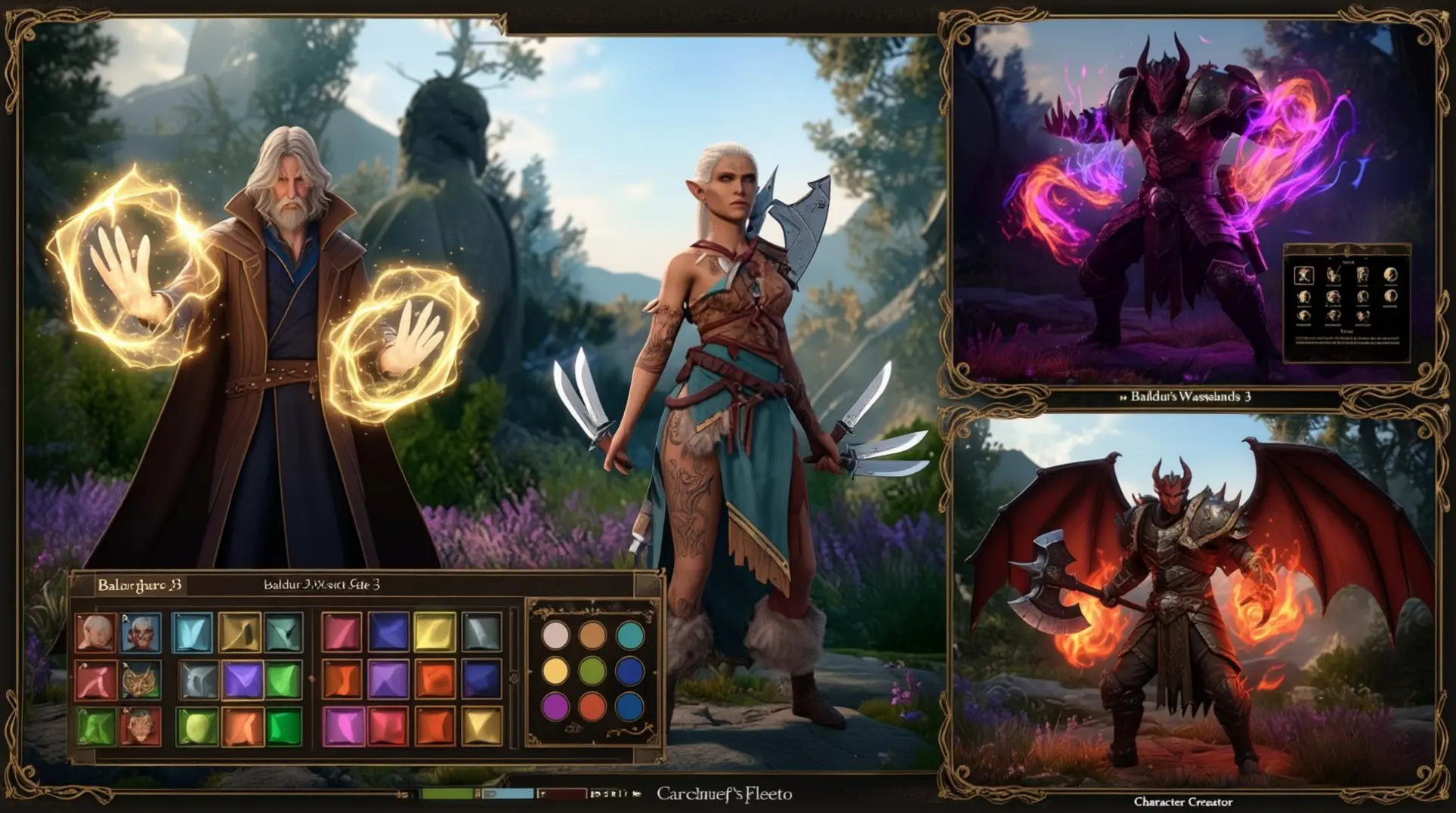
Ultimate BG3 Character Creation Guide: Build Your Perfect Hero
Master Baldur's Gate 3 character creation with our comprehensive guide covering race-class synergies, visual customization, essential tools, and beginner mistakes to avoid.
AI Tactical Companion
Consult with our specialized tactical engine for Baldurs-Gate-3 to master the meta instantly.