Palworld PC vs Xbox Performance: Ultimate Platform Comparison Guide
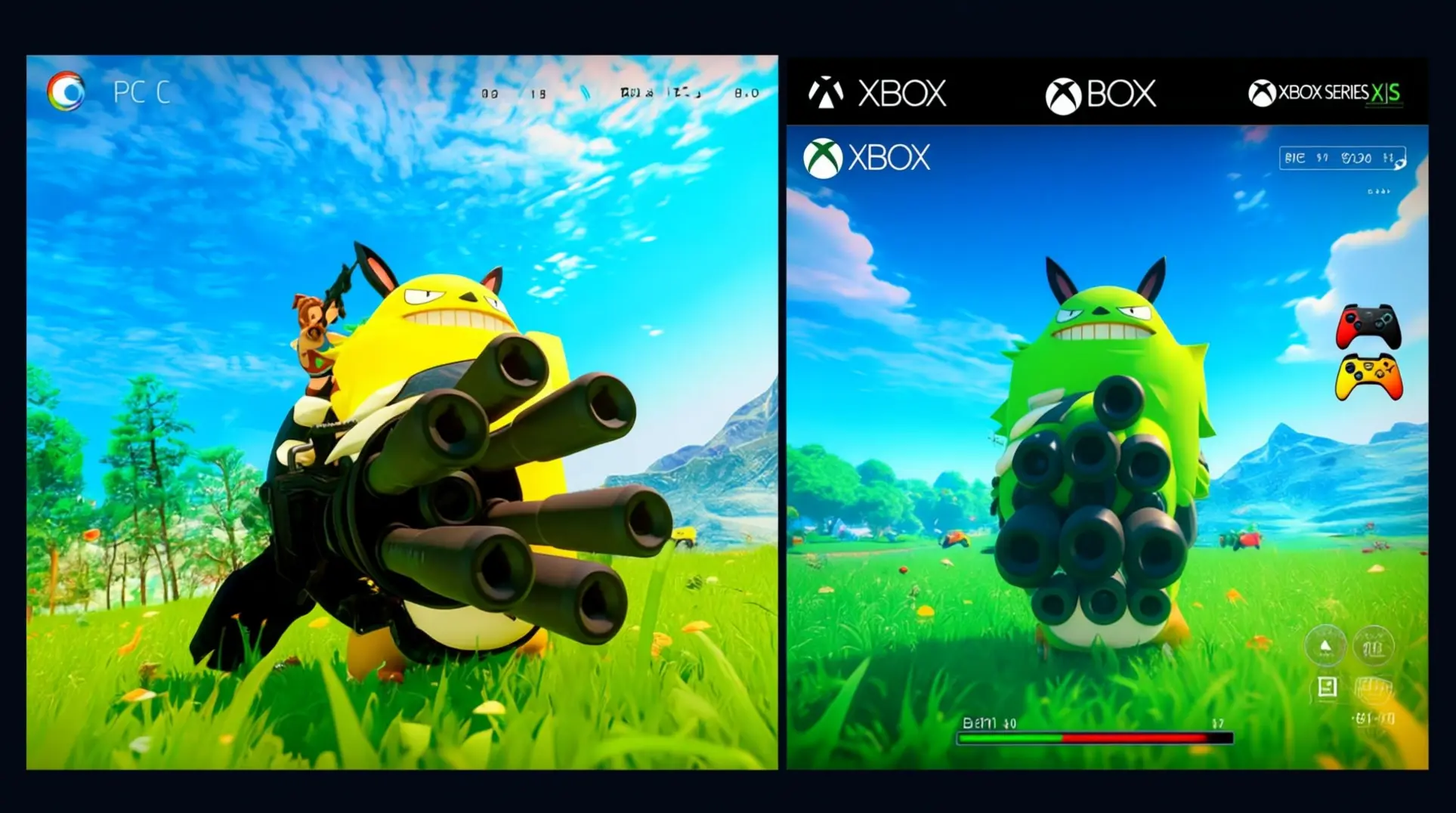
Executive Summary: Key Takeaways
Quick Answer: PC offers superior performance with 110+ FPS capability, while Xbox provides more limited but playable experiences (40-60 FPS on Series X, 40-60 FPS on Series S). Steam version delivers better value for dedicated players, while Game Pass suits casual gamers.
Key Performance Differences:
- PC: Up to 110 FPS with proper optimization, full graphics customization, DLSS support
- Xbox Series X: 40-50 FPS at 1620p, lacks dynamic resolution scaling
- Xbox Series S: 40-60 FPS at 720p, more consistent performance
- Xbox One: Below 15 FPS, largely unplayable
Cost Analysis: Steam ($29.99 one-time) vs Game Pass ($9.99-16.99/month) - Steam breaks even after 2-3 months
Understanding the Platform Divide: Why Performance Varies
If you've played Palworld on both PC and Xbox, you've likely noticed a significant performance gap. This isn't a matter of simple hardware differences; the core issue stems from Microsoft's rigorous certification process.
The Certification Bottleneck
Unlike Steam's streamlined system, every Xbox and Microsoft Store update must pass through a mandatory certification queue before release, creating major delays. This bottleneck meant Xbox updates often sat waiting while Steam players received immediate patches, causing the versions to drift apart.
Version Mismatch and Performance
As a result, the Xbox version consistently ran older game builds despite sharing the same version number as its PC counterpart. This led to tangible performance issues, with framerates on console fluctuating wildly between 25-60 FPS depending on the on-screen action.
The community manager for Pocketpair, Bucky, confirmed that the two are "fundamentally different game versions" due to these architectural and procedural differences. The developer has stated they are "desperately trying to speed this up" but are ultimately "at the mercy of the certification process."
The goal is to achieve true parity through crossplay implementation, which is planned for the future. For now, the divide is a clear example of how certification hurdles can directly impact player experience.
Graphics and Visual Comparison: What You Actually See
When comparing the visual experience of Palworld on PC versus Xbox, the differences are immediately apparent. The differences are largely defined by hardware capabilities.
PC Visual Customization
The PC version stands out with its extensive customization, offering a full suite of graphics settings that allow you to fine-tune everything from Motion Blur and Anti-Aliasing to View Distance and Texture Quality.
Crucially, PC players with NVIDIA RTX GPUs have access to DLSS, a feature that provides a significant performance boost while maintaining visual fidelity, with Performance mode often recommended for the best balance. This allows high-end systems to run the game natively at 4K on Epic settings.
Xbox Visual Compromises
In stark contrast, the Xbox versions make significant compromises.
- The Xbox Series S renders at a surprisingly low 720p internal resolution, though it manages to deliver the most consistent frame rate on console.
- The more powerful Xbox Series X offers better visual quality but struggles with performance, often running between 40-45fps.
The divide is even more dramatic on older hardware. The base Xbox One renders at a mere 960x540 resolution and suffers from severely reduced texture quality, lower draw distances, and frequent frame rate dips.
While some effects like Screen Space Reflections are present across all platforms, the overall visual tradeoffs on Xbox, especially regarding resolution and texture detail, are substantial.
Performance Metrics: Frame Rates and Stability Analysis
When it comes to raw performance, the gap between Palworld on PC and Xbox is substantial. The experience varies dramatically depending on the platform.
PC Performance Capabilities
On a well-configured PC, the game is a smooth experience. It is capable of achieving a consistent 110 FPS by following optimization guides that recommend:
- Disabling VSync
- Setting Max FPS to "No Limit"
- Utilizing DLSS Performance mode while maintaining high visual settings
Xbox Performance Challenges
In stark contrast, the Xbox Series X faces significant technical hurdles. Despite its power, a fixed native resolution of 1620p and a critical lack of dynamic resolution scaling (DRS) result in an unstable 40-50 FPS during normal gameplay. It only briefly hits 60 FPS in undemanding scenarios.
Surprisingly, the less powerful Xbox Series S often delivers a more consistent experience. By rendering at a much lower 720p resolution, it manages a 40-60 FPS range that can feel smoother than the Series X on a VRR display.
Previous Generation Issues
However, the most severe performance issues are found on the previous generation. Xbox One users report a critically unacceptable experience, with frame rates often dropping below 15 FPS and frequent crashes every 15-20 minutes, making it largely unplayable.
These widespread disparities highlight the game's early access state. As technical analyses note, the implementation of features like dynamic resolution scaling will be crucial for future updates to achieve stability across all console platforms.
Cross-Platform Play Limitations and Multiplayer Experience
At launch in early 2024, Palworld's multiplayer was defined by a strict platform divide that frustrated players. The community was split into two isolated ecosystems.
Initial Platform Fragmentation
Steam players could only connect with others on Steam. Those on Xbox Game Pass could play across PC Game Pass and Xbox consoles but were completely walled off from the Steam version.
This fragmentation meant friends on different platforms couldn't play together, a significant limitation stemming from Microsoft's certification requirements and challenges in keeping game versions synchronized.
Feature and Update Disparities
The experience was further complicated by notable performance and feature disparities between platforms.
- The Xbox Game Pass version suffered from poorer audio quality.
- It was missing features like the ability to name Pals.
- It had different game mechanics, such as crafting arrows one at a time instead of in triplets.
Updates also arrived up to five days later on Xbox due to Microsoft's verification process, creating version mismatches that made crossplay impossible.
Current Crossplay Status
As of late 2024, cross-platform functionality remains limited. While Pocketpair has expressed commitment to implementing full crossplay support, technical challenges related to version synchronization and Microsoft's certification process continue to delay this feature. Players should monitor official announcements for updates on crossplay implementation timelines.
This limitation significantly impacts the cost-benefit analysis for players with friends on different platforms.
Cost-Benefit Analysis: Which Platform Offers Better Value
Determining the better value between purchasing Palworld on Steam or accessing it via Game Pass hinges on your playstyle and long-term intentions.
Direct Cost Comparison
The immediate cost difference is stark:
- Steam: Requires a single $29.99 payment for permanent ownership.
- Game Pass: A recurring subscription costing between $9.99 and $16.99 monthly.
The Steam version breaks even after just two to three months of a Game Pass subscription. This makes it the clear winner for dedicated players planning a long-term adventure.
Feature and Experience Differences
However, value isn't just about price. The experience offered differs significantly. Steam provides a far more robust and complete package, featuring:
- 32-player dedicated servers
- Full mod support via the Steam Workshop
- A more current game version with faster updates
In contrast, the Game Pass version is notably limited, offering:
- Only 4-player co-op
- No mods
- An older build that lacks features and has more technical issues due to slower update deployment from Microsoft's certification process
Determining the Best Value
For the multi-game enthusiast who dabbles in many titles, Game Pass offers immense value through its vast library. It lets you try Palworld with no upfront commitment.
But if Palworld is your main game, the Steam purchase is unquestionably the better value. It offers superior features, permanent access, and a more vibrant community, ultimately providing a much richer experience for your money.
Optimization Tips for Each Platform
Getting the best performance out of Palworld requires a tailored approach depending on whether you're playing on PC or Xbox. Each platform has its own set of strengths and specific settings you should adjust for a smoother experience.
PC Optimization Strategies
Recommended PC Specifications:
- Minimum: Intel i5-8400 / AMD Ryzen 5 2600, 16GB RAM, GTX 1060 6GB / RX 580 8GB
- Recommended: Intel i7-10700K / AMD Ryzen 7 3700X, 32GB RAM, RTX 3070 / RX 6700 XT or better
- For 4K Epic: Intel i9-12900K / AMD Ryzen 9 5900X, 32GB RAM, RTX 4080 / RX 7800 XT or better
For PC players, your greatest asset is the depth of customization available.
- If you have an NVIDIA RTX 20-series or newer GPU, your first step should be to enable DLSS in the graphics settings.
- Setting it to "Performance" mode offers an excellent balance of visual fidelity and a major frame rate boost.
When fine-tuning other settings, focus on the big wins:
- Dropping Shadows from Epic to High can net a 15-20% FPS gain.
- Lowering Effects Quality to Medium provides another 5% boost with minimal visual impact.
- Keep View Distance on High to avoid excessive pop-in.
- Set Grass Details to Epic, as it has a surprisingly low performance cost.
Always ensure your GPU drivers are up to date for optimal compatibility.
Xbox Optimization Tactics
Xbox Series X|S optimization is a different challenge due to more limited settings.
- The most critical adjustment is to disable Motion Blur completely, as it has a significant impact on performance.
- It's also highly recommended to avoid increasing the Field of View (FOV) slider, as even a small bump can cause noticeable frame drops.
- A key step many overlook is to always fully restart the game after applying any setting changes for them to take proper effect.
Be aware that multiplayer sessions and certain lighting effects, like torches at night, are known to cause stuttering. These are issues that will likely require future developer patches to resolve. For now, sticking to single-player will yield a more stable experience.
The Verdict: Choosing Your Ideal Palworld Platform
After examining all aspects of Palworld's performance across platforms, the choice becomes clear based on your priorities and gaming setup.
The PC Advantage
PC remains the definitive platform for those seeking the best possible experience. It offers:
- Superior graphics customization
- Higher frame rates
- Mod support
- The most complete feature set
The ability to achieve 110+ FPS with proper optimization makes PC the performance champion.
The Xbox Experience
For Xbox Series X|S players, the experience is more compromised but still enjoyable with the right expectations.
- The Series S surprisingly delivers better consistency despite its lower resolution.
- The Series X struggles with frame rate stability despite better visuals.
Both benefit from Game Pass accessibility but suffer from update delays and feature limitations compared to Steam.
Final Recommendation
Ultimately, if you value performance, visual fidelity, and the complete Palworld experience, PC is the undisputed winner.
For those preferring console convenience or already invested in the Game Pass ecosystem, Xbox provides a playable experience that will likely improve as the game continues development.
Whichever platform you choose, understanding these performance differences and following the appropriate optimization strategies will help you maximize your adventure through the Palpagos Islands. The key is matching your platform choice to your priorities: PC for the ultimate experience, Xbox for accessibility and convenience.
As Palworld continues to evolve through its early access period, performance improvements and feature additions will likely narrow some of these gaps. However, the fundamental advantages of PC's hardware flexibility and Steam's more agile update process suggest that the performance divide will persist for the foreseeable future.
More Palworld Guides
Palworld Crossplay Guide: Ultimate Platform Compatibility 2025
Complete guide to Palworld crossplay across Steam, Xbox, PS5 & PC Game Pass. Enable multiplayer, troubleshoot issues & play with friends in 2025.

Palworld vs Nintendo: Inspiration or Plagiarism Battle
Explore the full story behind Nintendo's patent lawsuit against Palworld developer Pocketpair. Learn about design similarities, legal precedents, and industry impact.

Palworld Dungeon Map: Complete Locations & Rewards Guide
Master Palworld's 139 dungeons with our comprehensive guide featuring exact coordinates, farming strategies, and reward optimization tips.
AI Tactical Companion
Consult with our specialized tactical engine for Palworld to master the meta instantly.